Breathe life into history.
1-Click AI Photo & Video Colorizer.
Restore color to black-and-white family photos, archives and vintage film with local AI. 100% private, no cloud uploads, no subscription.
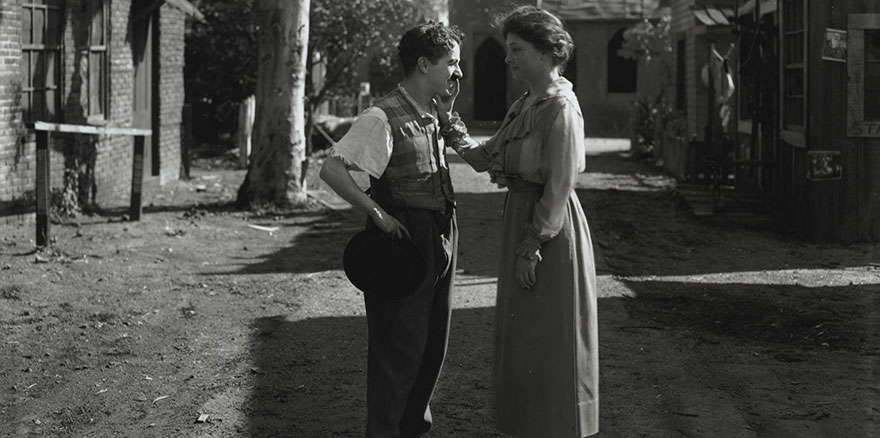
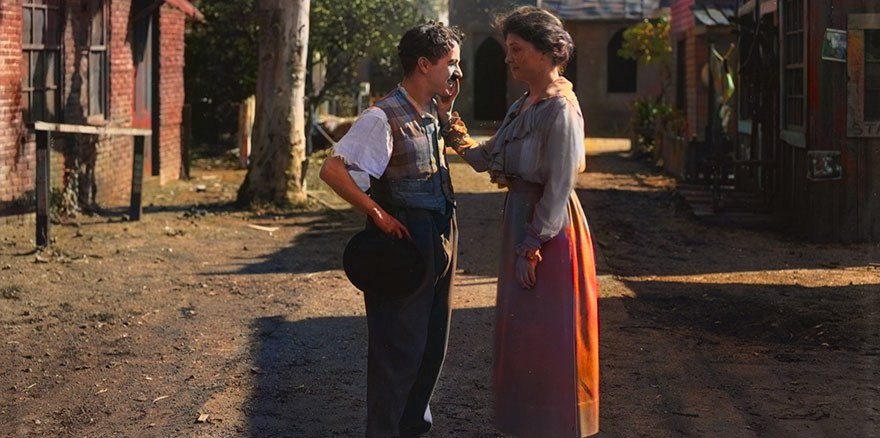 BeforeAfter
Colorized preview coming soon
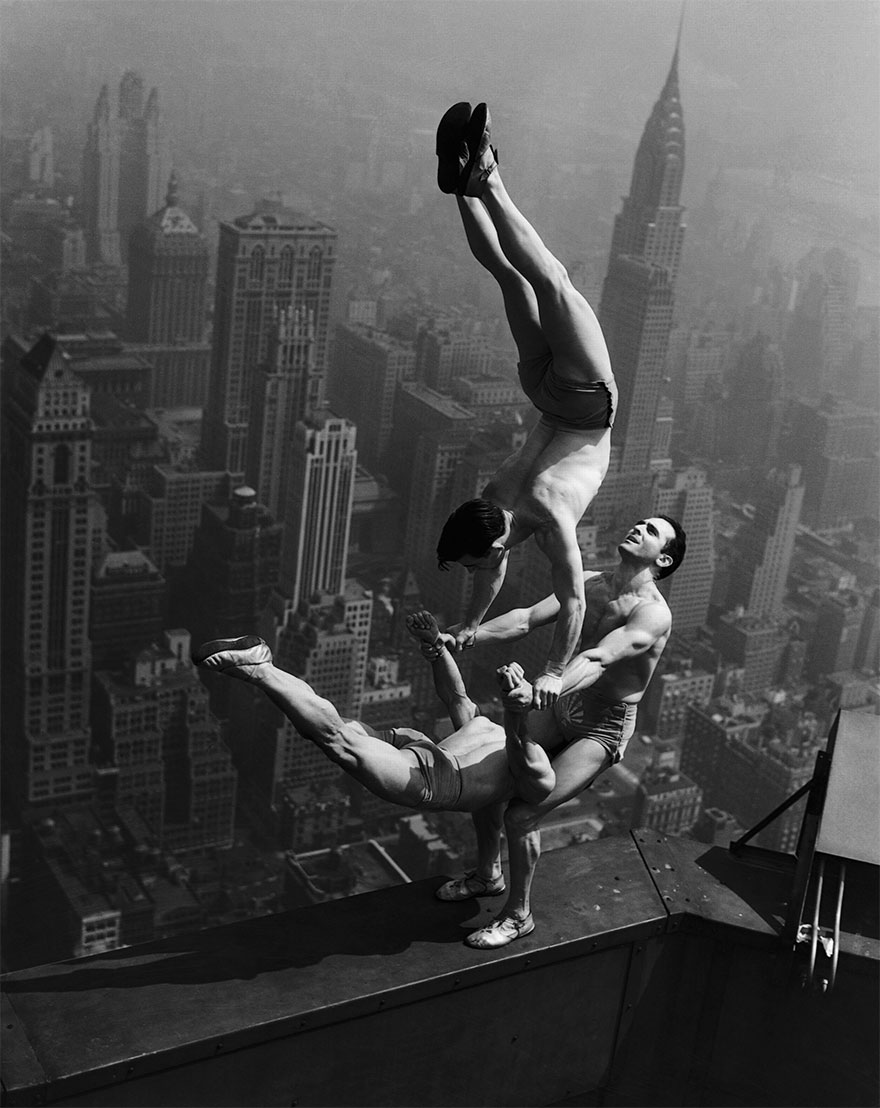
What colorizing actually looks like
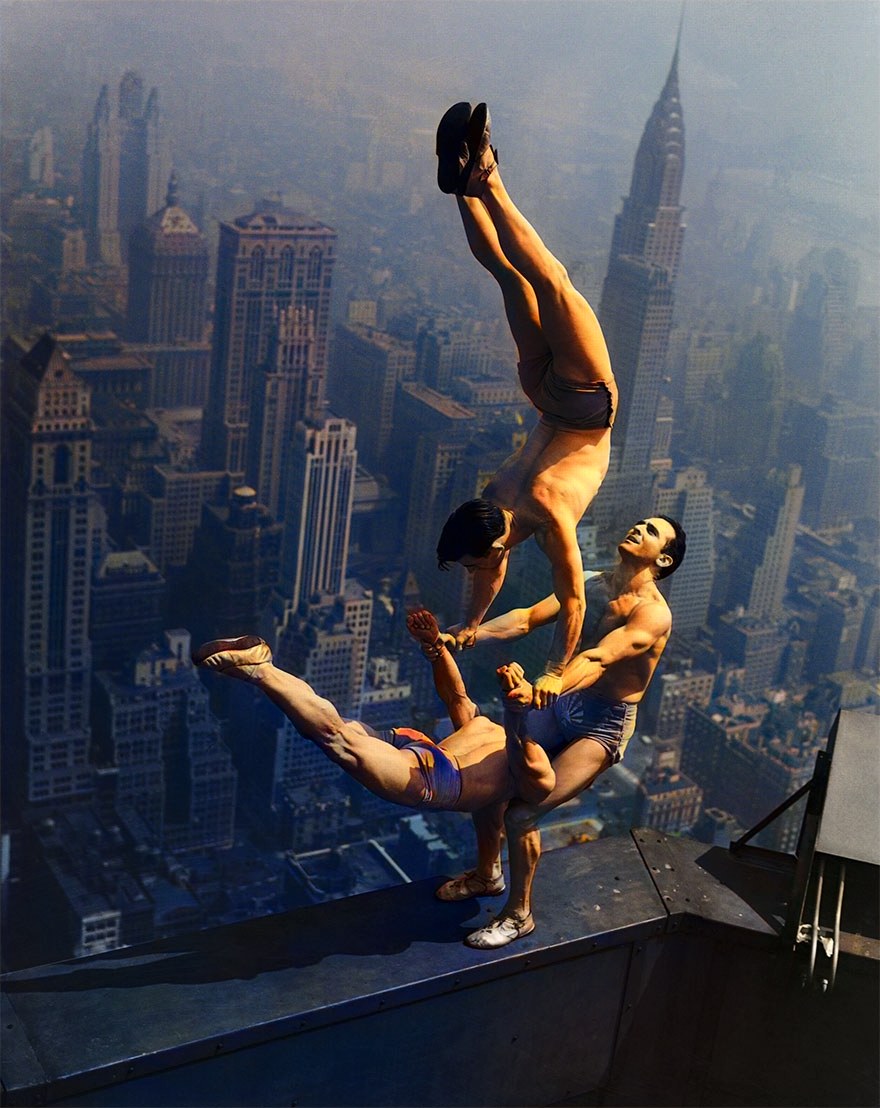
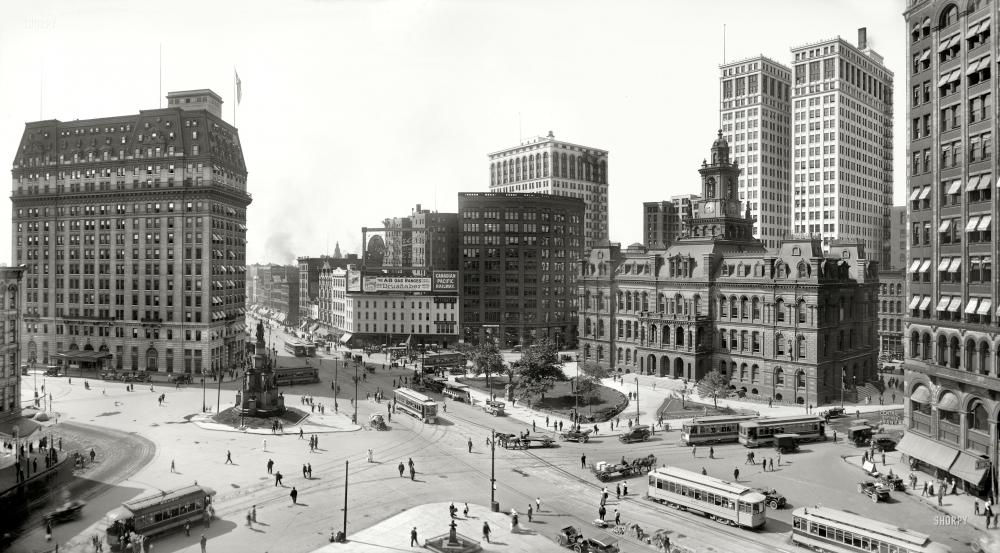
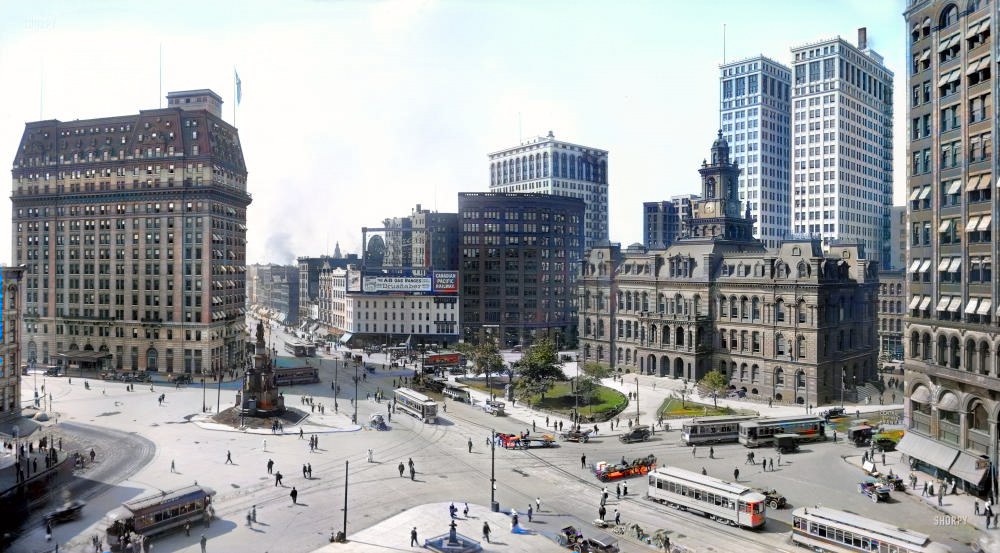
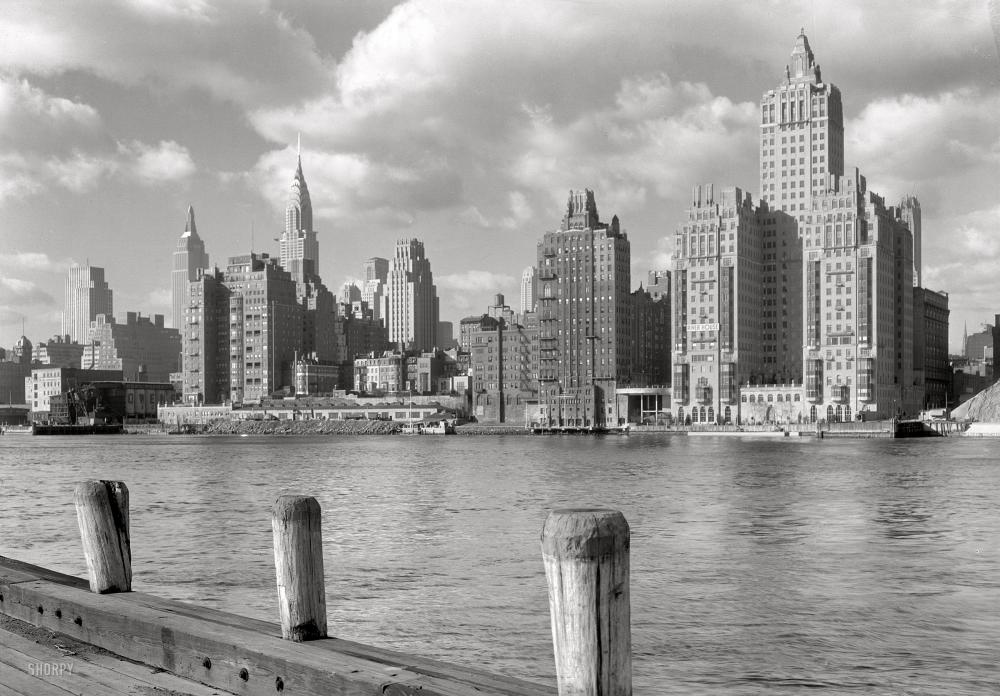
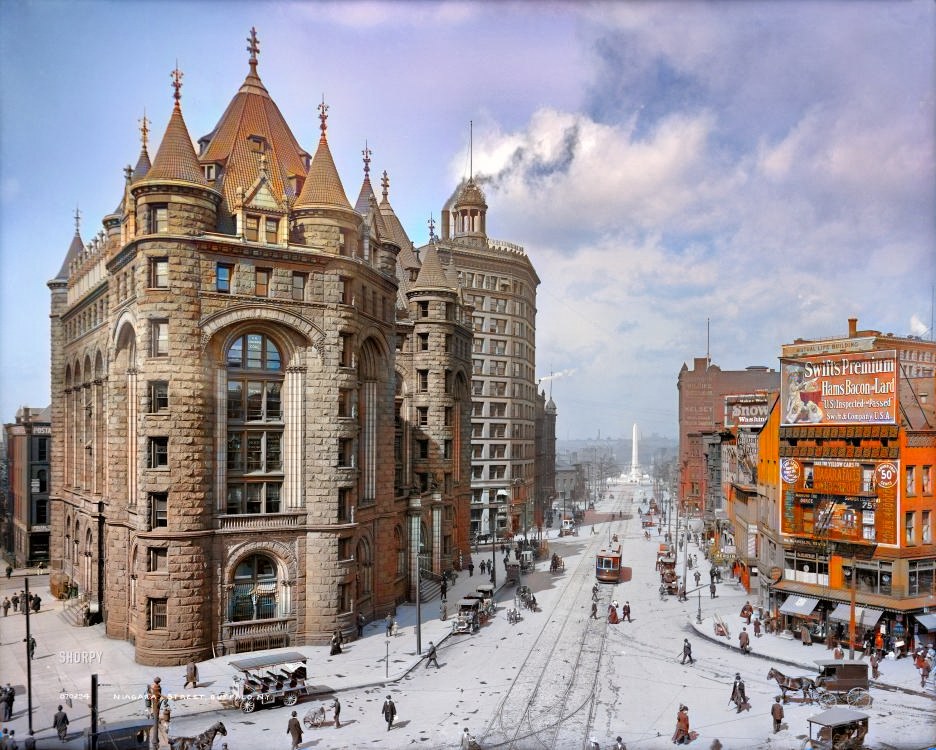
Real photos from the early 1900s through the 1940s, colorized on a normal computer. Drag each slider to compare.

 BeforeAfter
Colorized preview coming soon
 BeforeAfter
Colorized preview coming soon
 BeforeAfter
Colorized preview coming soon
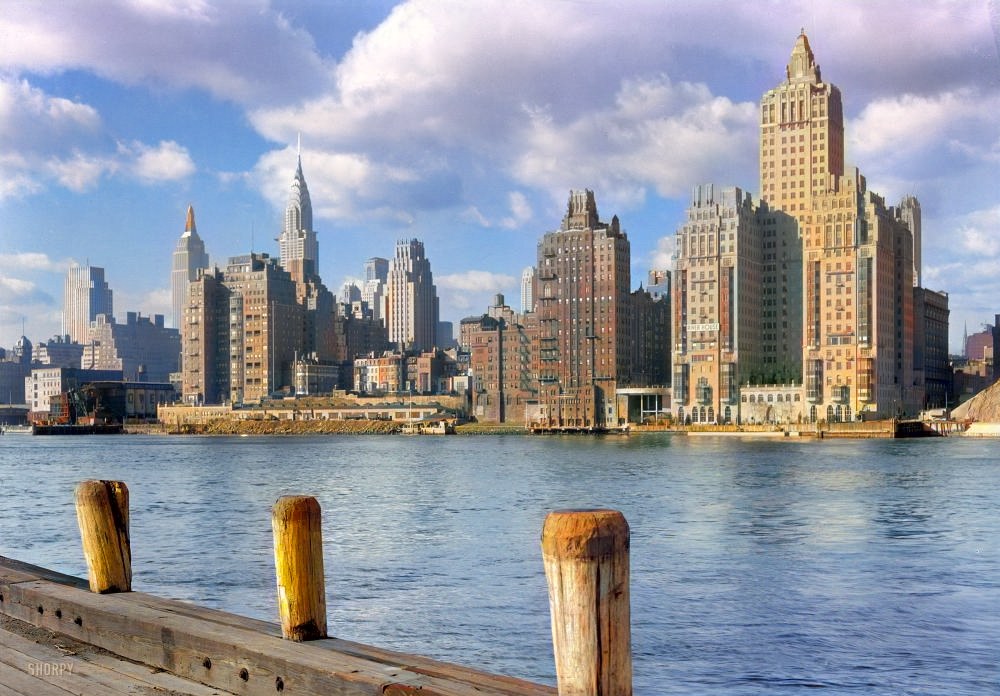 BeforeAfter
Colorized preview coming soon
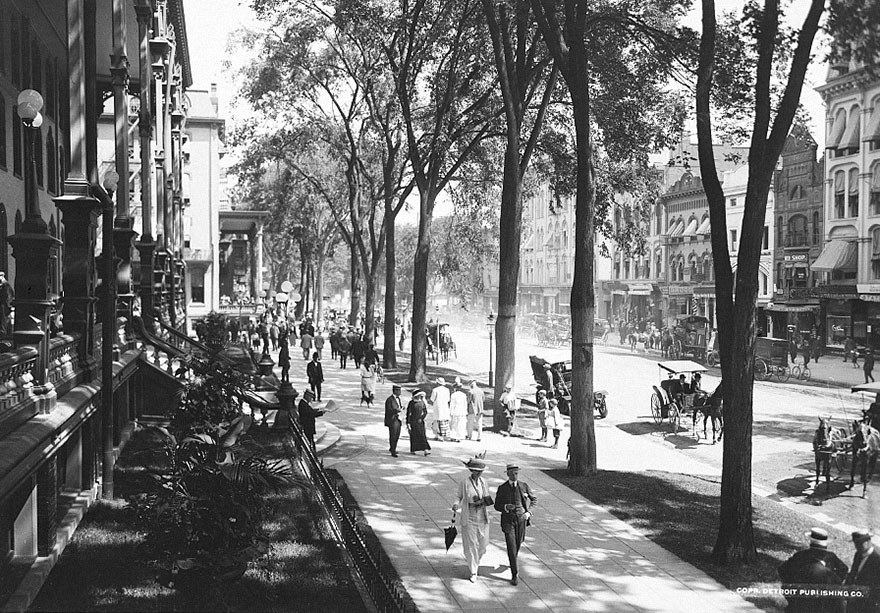
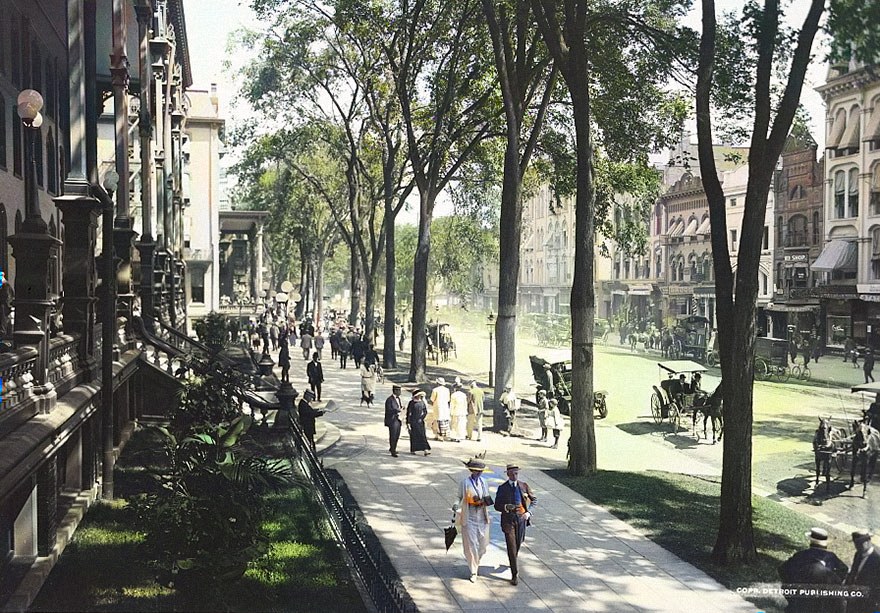 BeforeAfter
Colorized preview coming soon
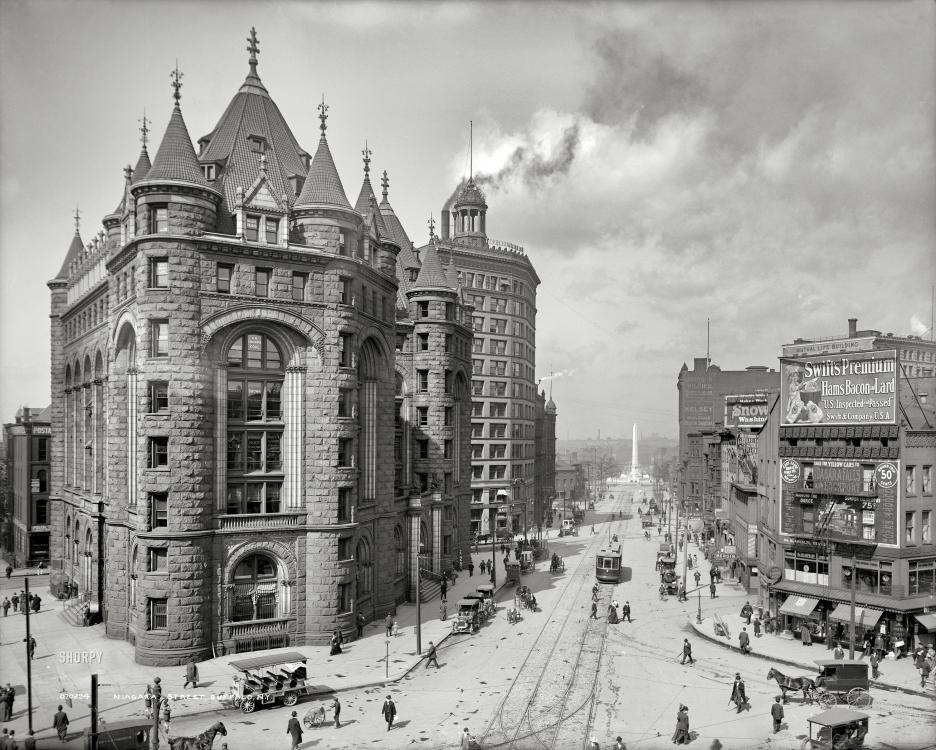
 BeforeAfter
Colorized preview coming soon
Colors are the model’s best estimate, not a verified record of the original. Restore your own family albums and archives at full original resolution with Pro.
Three steps, no setup
No terminal, no accounts, no uploads.
Drop in a photo
Drag in a scan, a family portrait or a frame from old film. A few archival classics are built in so you can try it immediately.
Colorize on your computer
The neural network runs locally on your CPU or GPU. Nothing leaves your machine.
Tune and export
Compare with the split slider, adjust saturation, contrast and warmth live, then save a high-resolution PNG or copy it to the clipboard.
Engineered for Quality & Absolute Privacy
Why historians, photographers, and archivists choose Dolce Colore over cloud web services.
100% Offline & Private
Your sensitive family albums and copyrighted archives never touch third-party servers. All neural networks run 100% locally on your computer.
DirectML GPU Acceleration
Native hardware acceleration across Windows 10 & 11 (DirectX 12 / DirectML on NVIDIA, AMD, Intel Arc). Instant renders without GPU cloud queues.
CIE L*a*b* Sharpness Retention
Only the chromatic color channels (a*, b*) are synthesized. The original luminance (L*) remains unaltered, preventing the muddy blur of typical web filters.
Cinema Video Colorizer
Colorize historical film clips frame by frame, with the original audio kept. Colors are predicted per frame, so shimmer between frames can appear on difficult footage.
Choose Your Edition
Many online colorizers charge monthly fees and upload your private family memories to remote servers. Dolce Colore Pro is $39 once — 100% offline, full original resolution, own it for life.
Community Edition
Free preview tier to test AI colorization on your own PC.
- 100% Offline local neural inference
- Single photo colorization & live grading
- Local CPU or GPU inference (DirectX 12 DirectML)
- × Free export cap (720p / subtle watermark)
- × No Batch Studio folder processing
- × No Cinema Video Colorizer
- × No priority engineering support
Microsoft Store package is verified with automatic updates and no SmartScreen warnings. Direct downloads available for all Windows PCs.
Dolce Colore Pro
Full studio powerhouse for archivists, studios, and creators.
- Everything in Community
- Cinema Video Colorizer for vintage film clips
- Unlimited batch processing of photo folders
- Watermark-free export at original resolution
- One-time online activation, then fully offline
- Windows 1-click installer & official Microsoft Store edition
- All v2.x updates included for life
- Priority email support
System Requirements
Engineered to deliver fluid performance on Windows 10 & 11 PCs with DirectML GPU acceleration.
🪟 Windows 10 & 11
- OS: Windows 10 (21H2+) or Windows 11 64-bit
- Processor: Intel Core i5 / AMD Ryzen 5 or newer
- GPU: DirectX 12 DirectML compatible GPU (NVIDIA GTX/RTX, AMD Radeon, Intel Arc/Iris)
- RAM: 8 GB recommended (4 GB minimum)
- Storage: 1.5 GB free disk space
📦 Licensing & Delivery
- Delivery: Instant digital license key and download link via email
- Activation: one-time online check, then fully offline; no usage tracking
- Seats: Valid for personal use across your desktop and laptop
- Merchant: Revisited Labs · Fast, secure checkout via LemonSqueezy
Frequently Asked Questions
Everything you need to know about purchasing, licensing, and running Dolce Colore.
Is Dolce Colore really 100% private and offline?
Yes. Dolce Colore is a native desktop app. Every photo and video is processed entirely on your computer, and no data is uploaded to a server or the cloud. The one exception is the optional AI Vision Guidance feature: it is off by default, and if you turn it on with your own API key, a reduced-size copy of the photo is sent to the provider you choose.
Can I colorize photos without an internet connection?
Yes. All colorization runs locally, so a connection is not required. The only time the Pro app needs the internet is the one-time license activation.
What is the difference between Community Edition and Pro?
The free Community Edition includes unlimited single photo colorizations at 720p with a subtle watermark. Dolce Colore Pro ($39 lifetime) unlocks 100% watermark-free original resolution (up to 4K / archival print), the Cinema Video Colorizer, unlimited Batch Studio processing for entire folders, and lifetime updates.
How do I install Dolce Colore on Windows?
Install directly from the official Microsoft Store for automatic updates and zero security warnings, or download the Windows 1-click installer (.exe) or Portable .zip. Windows 10 (21H2+) and Windows 11 are supported.
How does the lifetime Pro license key work?
Your key is delivered by email after purchase. Enter it once while online to activate Dolce Colore Pro, then use the app fully offline. The license never expires, is valid across your desktop and laptop, and includes all v2.x updates. No telemetry is sent.
Can I get Dolce Colore from the official Microsoft Store?
Yes! Dolce Colore is officially available on the official Microsoft Store for Windows 10 & 11. Installing via the Microsoft Store gives you a Microsoft-verified package, automatic updates and no SmartScreen warning.
Is there a recurring subscription fee?
No. Dolce Colore Pro is a one-time purchase of $39 USD. You own your license permanently with lifetime access to all v2.x updates. We believe professional creative tools should be owned, not rented.
What is your refund policy?
Dolce Colore Pro is a one-time digital purchase and all sales are final. That is why the full-featured Community Edition is free: download it and test it on your own photos and hardware before you decide to buy. If you hit a technical problem, contact us and we will work with you to fix it. This does not affect any rights you have under the consumer laws where you live.
My computer warns about an unknown developer. Is the installer safe?
Windows SmartScreen can show a warning for newly downloaded apps from web links. On Windows choose More info → Run anyway. To avoid this prompt entirely, install via the official Microsoft Store. Dolce Colore runs 100% locally on your computer with zero telemetry and zero cloud tracking.
How do I contact customer support?
You can reach our engineering team directly at support@revisitedlabs.com. We typically respond within one business day.